.webp)
.svg)
Moving a television is one of the most delicate tasks during a household relocation. Modern flat-screen TVs, whether LCD, LED, OLED, or 4K, are not only expensive but also highly fragile. A single mistake in packing or transport can result in costly damage that is often impossible to repair. This guide will walk you through every step of how to move a TV safely, from preparation and packing to transportation and unpacking, ensuring your valuable electronics arrive at your new home in perfect condition.
.webp)
In Alexandria, VA, Reputation Movers are your trusted specialists for local and long distance moves. If anything is unclear as you read this guide, feel free to contact us with your questions.
Understanding TV Fragility and Moving Challenges
Flat-screen televisions are engineered to be lightweight and thin, but this design makes them especially vulnerable to damage. Unlike older box-shaped models, modern TVs cannot be transported lying flat. The screen is designed to support weight around the edges when upright, but laying it flat creates tension in the center, increasing the risk of cracks from vibrations and bumps during transit. Many retailers and moving professionals refuse to transport TVs unless they are packed upright and properly protected, highlighting the importance of correct packing techniques.
Gathering Essential Packing Materials
Before you begin, assemble all the necessary materials to ensure your TV is protected throughout the move. Having the right supplies on hand will streamline the process and provide the best possible protection for your electronics. Here’s what you’ll need:
- Original TV box and Styrofoam inserts (if available)
- Professional TV moving box kit (if original box is unavailable)
- Foam corner protectors
- Bubble wrap (preferably anti-static)
- Moving blankets or furniture pads
- Heavy-duty packing tape and mover’s wrap/stretch wrap
- Clear plastic bags for accessories
- Marker for labeling
- Silica packets for moisture protection
Using anti-static materials is especially important for electronics, as standard packing materials can conduct electricity and potentially damage sensitive TV components.
Measuring and Selecting the Right Box
Choosing the correct box size is crucial for a secure fit. Measure your TV diagonally from corner to corner across the screen, this is your TV’s size. Only measure the screen itself, not the frame. Also, measure the depth of your TV to ensure it fits within the box (most TV moving boxes accommodate depths up to 5 inches). U-Haul and other suppliers offer boxes for TVs ranging from 20 to 86 inches, with double-walled construction and built-in handles for easy lifting.
Preparing Your TV for Packing
Proper preparation is the foundation of a safe move. Start by taking clear photographs of your TV’s cable connections. These reference images will make reassembly much easier in your new home. Next, unplug all cords and roll them neatly, placing them along with the remote and any manuals into a labeled plastic bag. If your TV has a removable stand or legs, gently lay the TV screen-side down on a soft surface and remove the stand, placing all screws and hardware in the same bag as the cords and remote.
Clean the TV before packing. Use a TV screen cleaner for the display, canned air to remove dust from vents, and a microfiber cloth for the casing. Remove batteries from remotes to prevent leakage, and group all components together for easy access during setup.
Packing Your TV: Step-by-Step Methods
.webp)
Packing with the Original Box
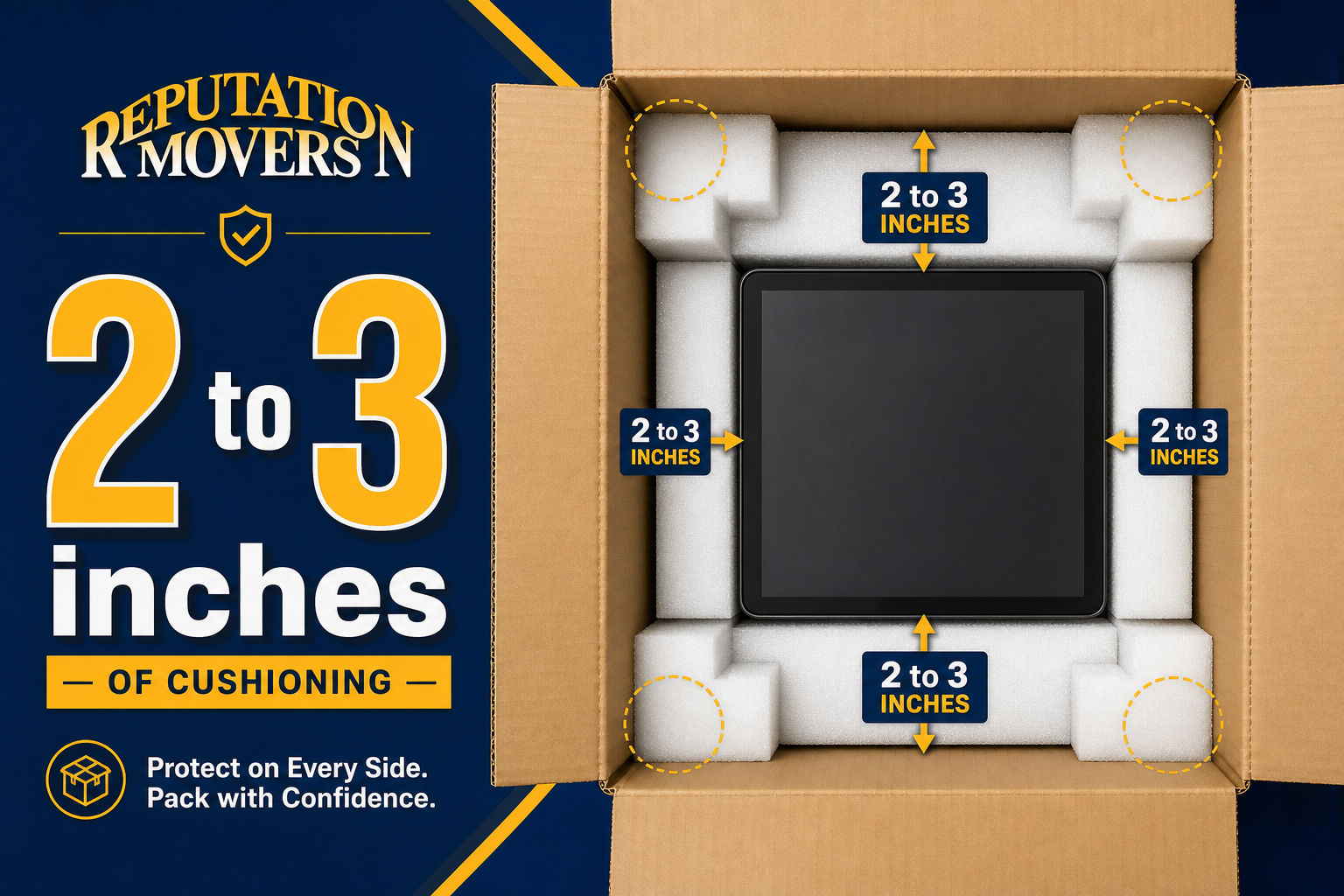
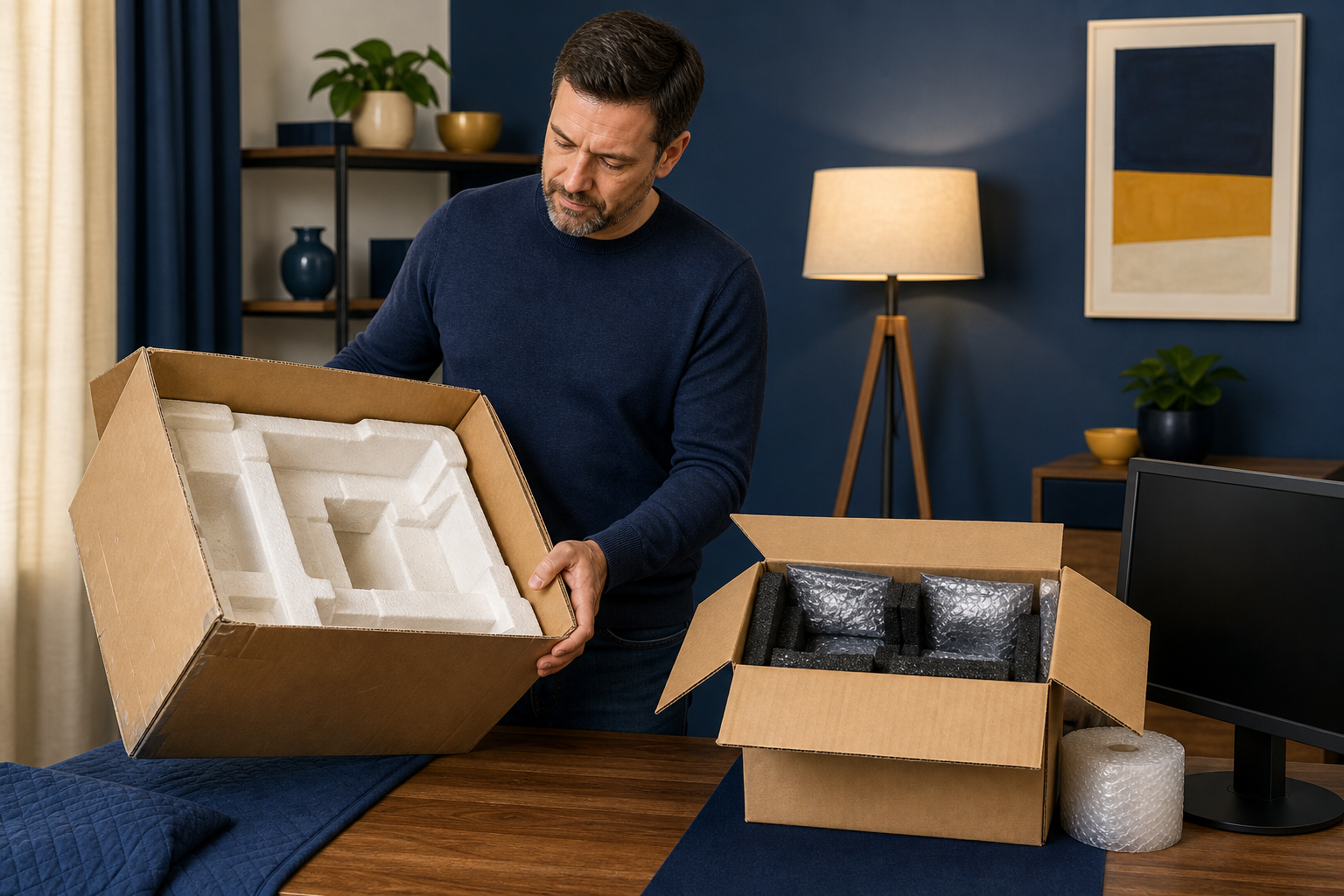
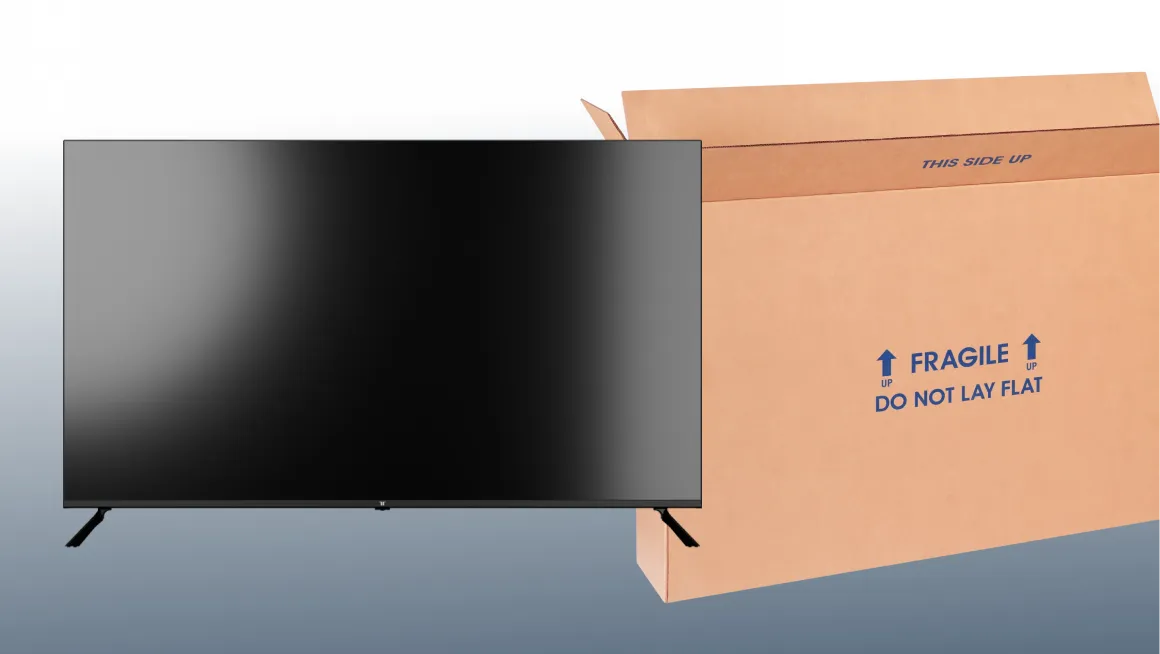
The original box is the gold standard for TV protection. It was engineered to fit your TV perfectly and includes foam inserts that absorb shock and prevent shifting. If you still have the original packaging, use it along with the Styrofoam inserts. If the inserts are missing, supplement with foam corners and bubble wrap. Place the TV upright in the box, fill any empty space with soft materials, and seal the box securely with packing tape. Clearly label the box as "FRAGILE" on multiple sides.
Packing with a Professional TV Moving Box
If the original box is unavailable, use a professional TV moving box kit. These kits include double-walled boxes, foam corner protectors, and sometimes built-in handles. Here’s how to use one:
- Break apart the foam corner protectors and place one on each corner of the upright TV.
- Secure the foam with mover’s wrap or stretch wrap.
- Carefully slide the TV into the inner section of the box, keeping it upright.
- Fill any empty space with furniture pads or towels to prevent shifting.
- Slide the outer section of the box over the TV and seal all openings with heavy-duty tape.
- Label the box "FRAGILE" and indicate which side should face up.
For ultra-thin OLED TVs, use only the center-most piece of each foam protector and add a flat screen TV cover before boxing. This prevents excessive pressure on the delicate screen while still providing essential corner protection.
Packing Without a Box
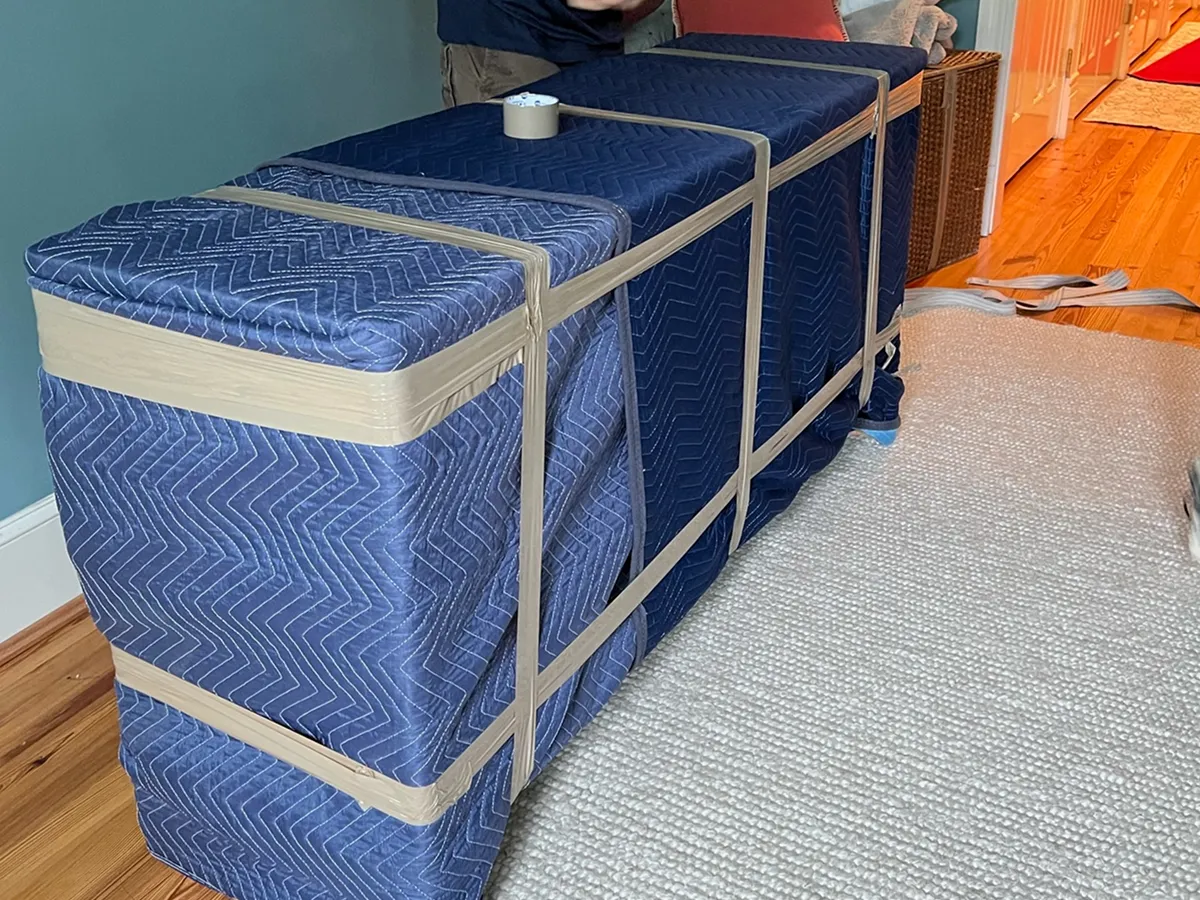
Sometimes, you may need to move a TV without the original or a professional box. In this case, multiple layers of protection are essential. Start by wrapping the screen in two to three layers of bubble wrap, padding each corner with foam or extra bubble wrap. Secure the corners with tape, but never let tape touch the screen itself. Lay a moving blanket on a flat surface, place the TV in the center (screen up), and fold the blanket over the TV as if wrapping a gift. Secure the bundle with packing tape and then wrap the entire package with stretch wrap for added protection.
For last-minute moves, wrap the TV in bubble wrap, then a soft blanket, and secure with tape, rope, or bungee cords. Always keep the TV upright during transport, even when using these emergency methods.
Special Considerations for OLED and Ultra-Thin TVs
OLED and ultra-thin TVs are especially delicate. When using a professional box, modify the foam protectors to avoid putting too much pressure on the screen. Always use a flat screen TV cover and fill any voids with bubble wrap to prevent shifting. These extra steps are crucial for preventing damage to high-end models.
.webp)
Loading and Transporting Your TV
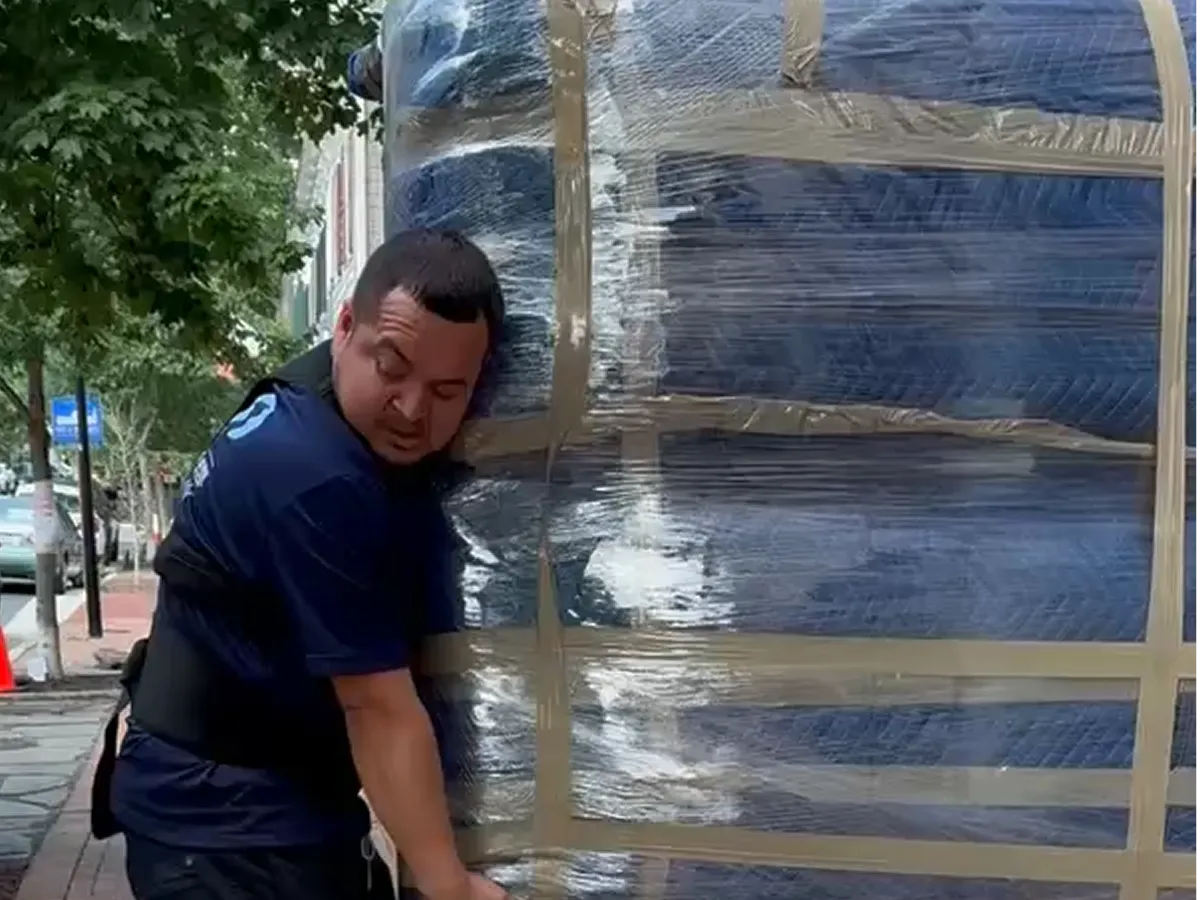
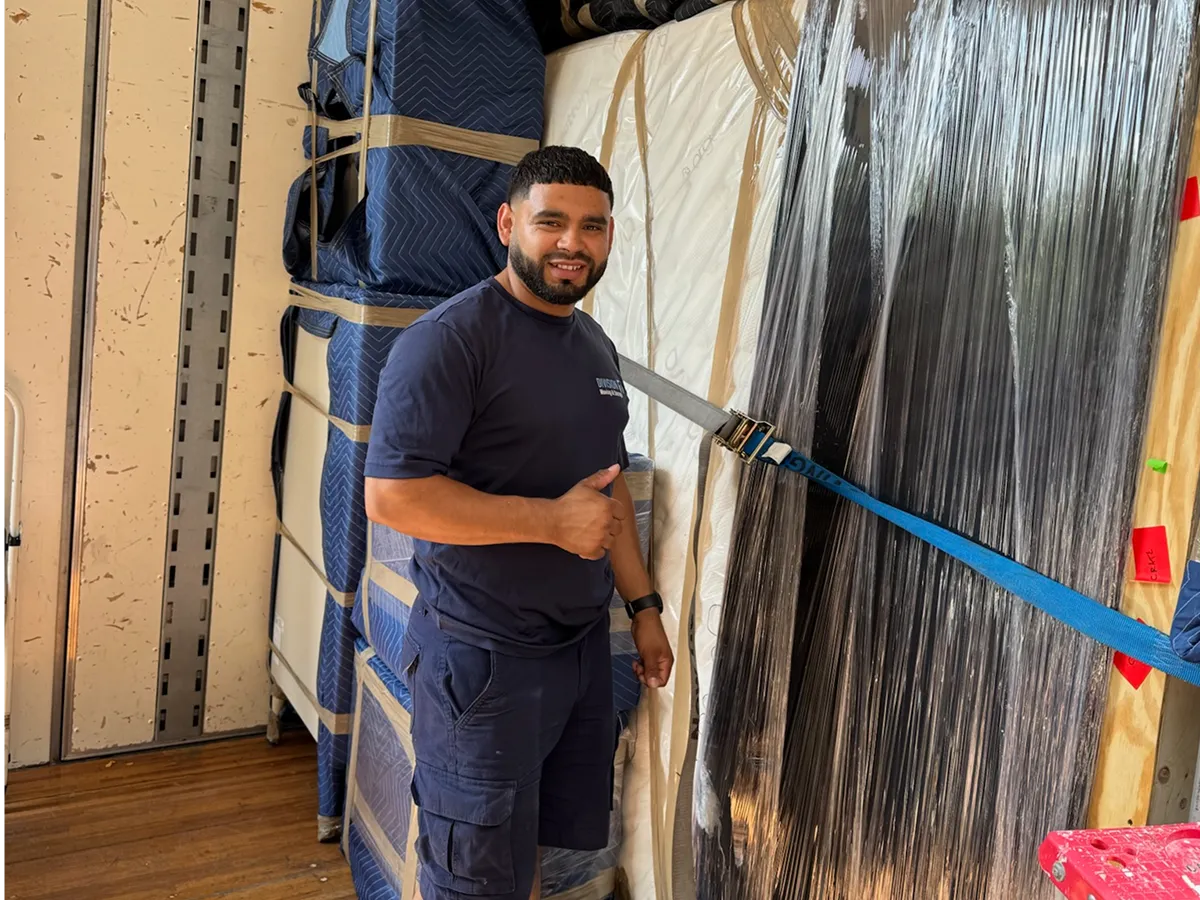
How you load and transport your TV is just as important as how you pack it. Always keep the TV upright, both in the box and during transport. Position the TV box between two flat, sturdy objects like a sofa and a mattress to minimize movement. If no heavy items are available, use tie-down rope or bungee cords to secure the box to the truck wall. When transporting in a personal vehicle, place the box upright in the back seat and stabilize it with other boxes or blankets, ensuring it does not block the driver’s view.
Never lay a TV flat during transport, as this orientation puts dangerous pressure on the screen and can cause internal damage that may not be immediately visible.
Moisture Protection and Environmental Factors
Moisture can cause internal corrosion and electrical failures in your TV. Place silica packets inside the TV box to absorb any moisture, especially if moving during humid weather or storing the TV before setup. Seal the box completely with packing tape to prevent moisture infiltration. If moving during winter, allow the TV to acclimate to room temperature for several hours before plugging it in to avoid condensation on internal components.
Labeling and Documentation
Proper labeling ensures your TV receives careful handling. Mark the box "FRAGILE" in large letters on multiple sides, and indicate which side should face up. Create an inventory of all TV-related items, stand, cables, remote, and manuals, and keep this list with your moving documents. Reference photos of your TV setup will make reassembly much easier in your new home.
Unpacking Your TV Safely
Once you arrive at your new home, keep the TV box upright until you’re ready to unpack. Use scissors or a box cutter to carefully remove the tape, then gently pull the TV out of the box. For larger TVs, enlist a helper to avoid dropping or damaging the device. Allow the TV to acclimate to room temperature before plugging it in, especially if it was exposed to cold or humid conditions during the move.
.webp)
Professional Movers vs. DIY: Making the Right Choice
While DIY packing and moving is possible with the right materials and careful attention, professional movers offer significant advantages. Experienced movers have handled a wide range of TV models and know the best techniques for packing, loading, and transporting fragile electronics. They use specialized equipment and materials, and their services are often insured, providing peace of mind that your investment is protected.
Frequently Asked Questions About Moving a TV
Can I move a TV without the original box?
Yes, but you must use multiple layers of bubble wrap, foam corner protectors, and moving blankets to provide adequate protection. Specialized TV moving boxes are highly recommended for long-distance moves.
Is it safe to lay a TV flat during transport?
No. Laying a TV flat creates tension in the center of the screen, increasing the risk of cracks and internal damage. Always keep the TV upright during packing, transport, and unpacking.
What should I do if my TV is exposed to cold or moisture during the move?
Allow the TV to acclimate to room temperature for several hours before plugging it in. Use silica packets in the box to absorb moisture and prevent internal corrosion.
How do I keep track of all the cables and accessories?
Place all cords, remotes, and hardware in a labeled plastic bag and keep it with your moving documents. Take photos of your TV setup before disassembly for easy reassembly.
.webp)
Trust Reputation Movers for Safe TV and Electronics Relocation
Moving a TV requires careful planning, the right materials, and expert handling. Reputation Movers in Alexandria, VA, have the experience and specialized equipment to ensure your television and other electronics arrive safely at your new home. Our team is trained in the latest packing and transport techniques, and we offer both local and long distance moving services tailored to your needs. Don’t risk your valuable electronics, contact Reputation Movers today for a stress-free, professional moving experience.

















.webp)

.webp)
.webp)
.webp)

.webp)
.webp)








.webp)
.webp)


.png)